
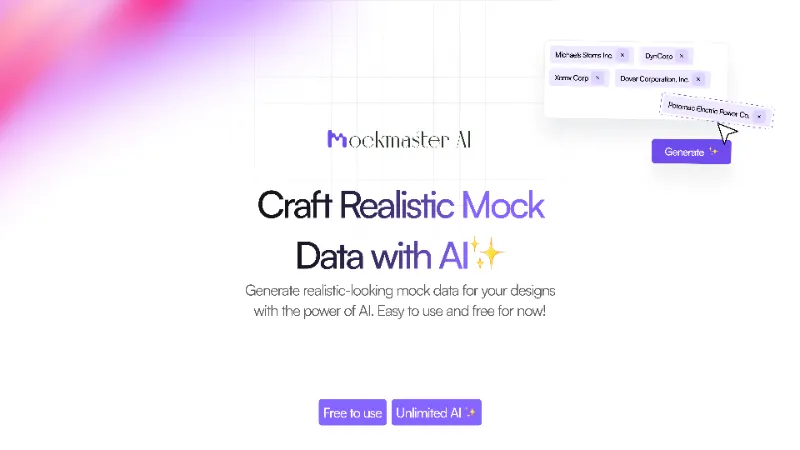
About MockMaster AI
MockMaster AI is a free Figma plugin published by Briston in 2024. It works in Figma Design and FigJam and has 735 users and 4 likes on the Figma Community.
In the developer's words
Generate Realistic-looking mock data with AI
MockMaster AI was crafted to generate mock data that perfectly fits narrow workflows and real-world scenarios where data isn't always available. Whether you need company-specific details, app-related information, or something entirely unique, this tool uses AI to create it for you. And don’t worry—it's currently free, until i drain my savings.
It also has tons of pre-filled data which can be generated by selecting any number of text frames.
How to Use :
- Select any text layers.
- Open the plugin and choose from the pre-filled data options to populate the text layers with data that match your needs.
- If the data you need isn't available in the pre-filled options, select the text layers and enter your prompt in "Replace AI." The AI will generate the data for you.
Key Features:
- Includes 20+ realistic looking data, categorized by filters.
- Generate AI data based on your needs with just a single prompt.
- Generate AI images such as avatars or any custom generations
- Can select any number of frames for text updation
- All AI generations are free to use for now.
RoadMap :
- More pre-filled data
- Bring your own API Key - Shipped
What's new
Version 4 · released Apr 16, 2025
- Fixed a bug with Keys
Permissions and privacy
Network access
MockMaster AI can only connect to the 2 domains declared in its manifest: api.openai.com and profile-picture-server.vercel.app.
- api.openai.com
- profile-picture-server.vercel.app
Extra permissions
None beyond the standard access to the file you run it in.
Read from the plugin's published manifest.
MockMaster AI FAQ
What does MockMaster AI do?
Generate realistic-looking mock data for your designs with the power of AI. It's a Figma plugin by Briston that runs in Figma Design and FigJam.
Is MockMaster AI free?
Yes. MockMaster AI is free to install and run from the Figma Community, with no paid tier listed.
Is MockMaster AI safe to use?
Figma plugins can only reach the internet through domains listed in their manifest. MockMaster AI can only connect to the 2 domains declared in its manifest: api.openai.com and profile-picture-server.vercel.app. As with any plugin, check the developer's privacy policy before using it on client work.
How do I install MockMaster AI?
Open it on the Figma Community, or search for it in the Actions menu (Cmd/Ctrl + K) inside any file you can edit. See how to install Figma plugins.
Built this plugin?
Use this page as a landing page for MockMaster AI: link to it from your site, README or launch posts, or add a badge. Pick a style and copy the code.

Style
Label
Size
Code
<a href="https://figmaplugins.co/plugins/mockmaster-ai/" target="_blank" rel="noopener"><img src="https://figmaplugins.co/badges/featured-dark.svg" alt="MockMaster AI on figmaplugins.co" width="220" height="48"></a>