The best Figma plugins of 2026
Most "best Figma plugins" lists are one person's favourites. This one sorts Figma Community plugins by the job they do, so you can find the right tool for the task in front of you. Below are the essentials for each job, the 50 most-used plugins overall, and a list for every use case.
Start here
The essentials, one per job
If you only install a handful of plugins, start with the most-used option for each of these jobs. Each one links to the full list, where you'll find alternatives that might suit your workflow better.




By use case
Best Figma plugins for every job
There's a list below for every job. Pick the one you're trying to do.
Top lists









Code & handoff








Design systems







Workflow & productivity




Productivity
speeding up everyday Figma work
See the top picks


Layer Management
renaming, sorting and cleaning up layers
See the top picks
Tables
tables and spreadsheet data
See the top picks



Charts
charts and data visualisation
See the top picks



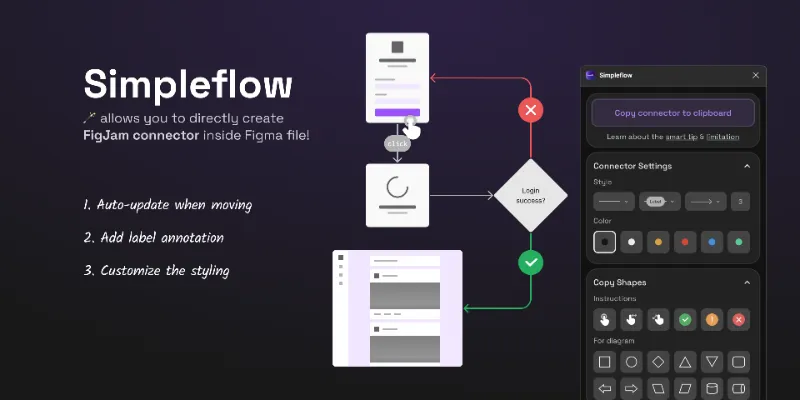
Flowcharts & User Flows
flowcharts, user flows and connector arrows
See the top picks



Mock Data & Content
realistic placeholder content and mock data
See the top picks



Translation
translation and localisation
See the top picks



Animation
animation and motion design
See the top picks


GIF & Video
GIFs and video export
See the top picks



Prototyping
prototyping and user testing
See the top picks



Wireframing
wireframes and low-fidelity layouts
See the top picks



Import & Export
importing and exporting files
See the top picks



PDF & Print
PDF export and print-ready files
See the top picksAssets & visuals




Icons
icons
See the top picks


Illustrations
illustrations
See the top picks


Images & Stock Photos
stock photos and images
See the top picks



Background Remover
removing image backgrounds
See the top picks



Mockups
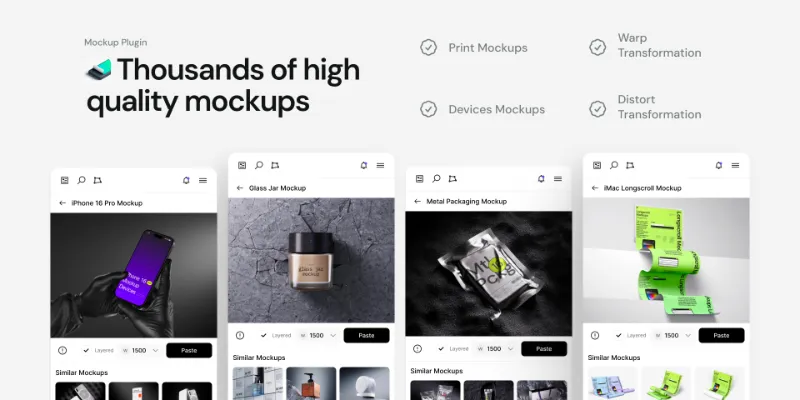
device and print mockups
See the top picks



Color Palettes
colour palettes and colour tools
See the top picks


Gradients
gradients and mesh gradients
See the top picks



Typography
typography and fonts
See the top picks

Effects & Textures
noise, texture, glass and shadow effects
See the top picks



Patterns
seamless patterns and repeat grids
See the top picks



SVG & Vector
SVG, vector paths and image tracing
See the top picks


3D
3D objects and isometric designs
See the top picks



Maps
maps and location data
See the top picksVisual Assets
graphic design and visual assets
See the top picks
Overall ranking
The 50 most-used Figma plugins
Popularity isn't the same as quality, but a plugin with hundreds of thousands of users has survived a lot of real projects, gets updated, and has answers online when something breaks.
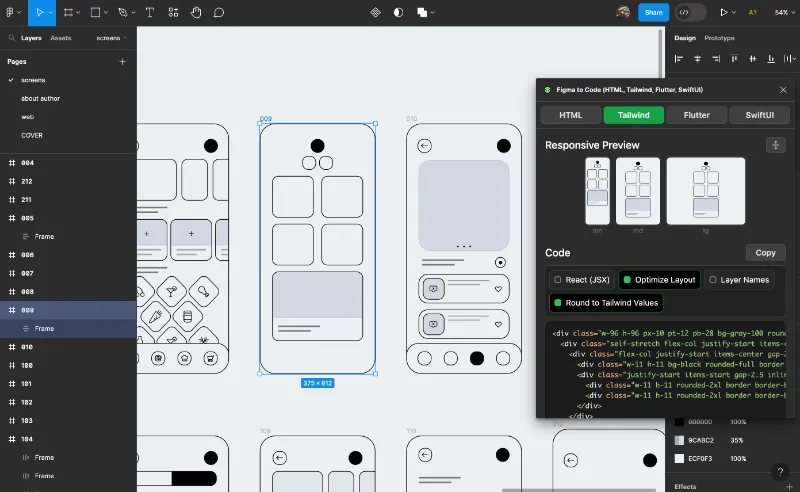
- 012.4M37KFree + $18/mo
- 02
 2.3M8.5KFree
 - 032.2M9.4KFree + paid
- 041.8M17KFree
- 05
Remove BG
Remove the background of images automatically with just a single click.
Free + paid · 17K likes
1.7M17KFree + paid - 061.5M19KFree + paid
- 07
Material Design Icons
Instant easy access to the entire Material Design Icons library
Free + paid · 12K likes
1.5M12KFree + paid - 081.3M13KFree
- 09

Builder.io
Export designs to clean, responsive code or turn Figma screens into AI apps and prototypes.
Free · 23K likes
1.3M23KFree - 10
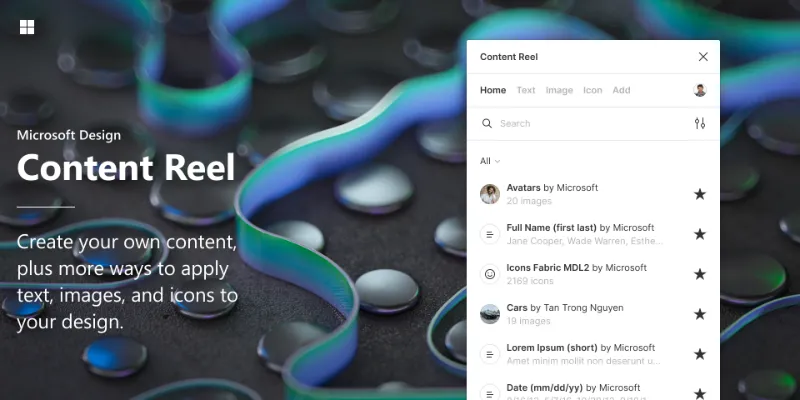
Content Reel
Design layouts more efficiently by pulling text strings, images, and icons.
Free · 16K likes
1.1M16KFree - 11
 1.1M9KFree + $2/mo
 - 121M9.5KFree
- 13990K15KFree
- 14935K9.1KFree + paid
- 15
To Path
Free · 12K likes
866K12KFree - 16809K7.8KFree + paid
- 17
Table Creator
Easily create tables that can be edited, resized and maintained using your design system
Free · 6.5K likes
795K6.5KFree - 18
Vectary
Load your 3D models, set your view and materials as you desire and export it to a frame!
Free + paid · 10K likes
792K10KFree + paid - 19751K17KFree
- 20
Font Awesome Icons
Free · 2.9K likes
748K2.9KFree - 21702K11KFree + $5
- 22670K6.7KFree
- 23
Noise & Texture
Generate dynamic seamless noise, textures, patterns and animated shaders. Add compound effects.
Free · 15K likes
639K15KFree - 24
 619K7.1KFree + $2/mo
 - 25

Iconoir Icon Library by Iconduck
Iconoir Icon Set is an open source library of 1,188 icons. Free to use in all your designs!
Free · 1.4K likes
615K1.4KFree - 26

Figma to HTML with Framer
Convert your Figma design to HTML code in seconds with Framer.
Free · 11K likes
612K11KFree - 27
Clay Mockups 3D
Create mockups with 3D clay-style device models. Customize the color, camera angle, and device model
Free · 4.6K likes
612K4.6KFree - 28

Locofy Lightning
Convert Figma designs to code in a flash: React, React Native, Flutter, HTML/CSS, Angular, Next, Vue
Free · 5.3K likes
594K5.3KFree - 29587K5.7KFree + paid
- 30

Stark
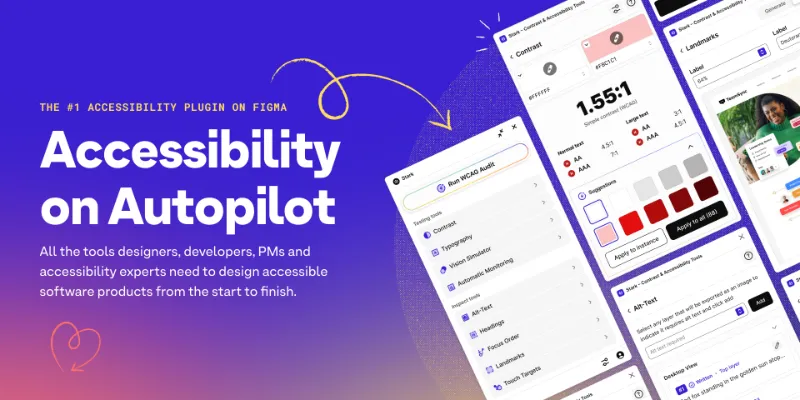
Fix Color Contrast and Typography issues and add WCAG annotations for a smooth design to dev handoff
Free · 10K likes
577K10KFree - 31569K11KFree
- 32
Convertify Sketch/Adobe/Google
Export to Sketch, XD, After Effects, PSD, InDesign — or — Import XD, Illustrator, PSD, InDesign, PDF
Free + paid · 5.1K likes
519K5.1KFree + paid - 33516K3.3KFree
- 34

Contrast
Quickly check and scan for contrast issues on gradients, images, blends, and fills.
Free · 8.3K likes
515K8.3KFree - 35513K7.4KFree
- 36

TinyImage Compressor
Export/downsize compressed JPG, PNG, SVG, WebP, GIF, WebM, MP4, AVIF and PDF image files from Figma
Free + paid · 4.6K likes
512K4.6KFree + paid - 37
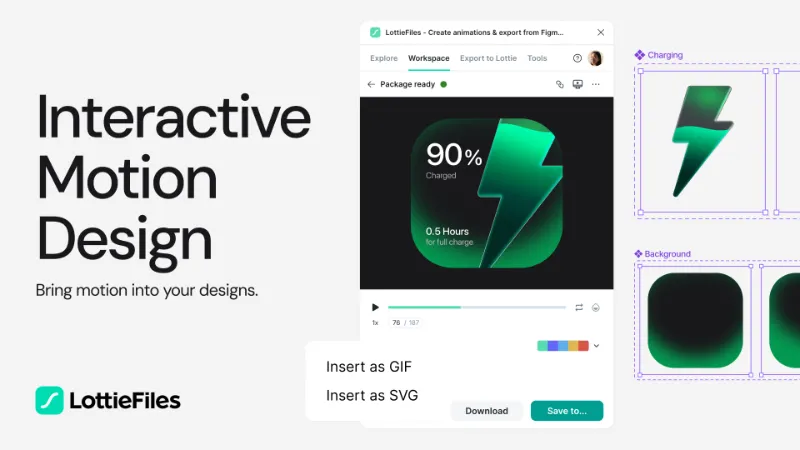
Jitter
Animate your Figma designs, export to video / GIF / Lottie, handoff animation specs to developers
Free · 12K likes
507K12KFree - 38

Pitchdeck Presentation Studio
Turn your Figma designs into animated slide decks or export them to PowerPoint/PDF
Free + paid · 5.9K likes
485K5.9KFree + paid - 39476K5.1KFree
- 40
PixCut Background Remover
Free · 2.4K likes
467K2.4KFree - 41
 467K3.9KFree
 - 42441K7.1KFree
- 43
Color Palettes
A free suite of integrated Color & Accessibility tools - 10+ tools free access 🔥
Free · 3.9K likes
437K3.9KFree - 44425K4.9KFree + paid
- 45
 408K3.4KFree
 - 46
 389K8KFree
 - 47
Isometric
Free · 4.6K likes
375K4.6KFree - 48367K5.6KFree + paid
- 49
Isometric & Perspective Toolkit
Quick apply a top, left or right perspective or using the modal to modify your layer.
Free · 5.5K likes
363K5.5KFree - 50
Flaticon by Magnific
Search through 5,000,000+ pixel-perfect icons, stickers and vectors (from Freepik)
Free + paid · 1.9K likes
357K1.9KFree + paid
From the maker
Figma plugins we build
We also build Figma plugins. They're free to start, they sit outside the rankings above, and each one covers a job we kept doing by hand.
figmaplugins.co started as the home for our own plugins. Each one fixes a job we kept doing by hand.
- Free
- No payment, ever
- Free to start
- Pay once to unlock more

Autospec
Auto-generate design specs in one click
Free to start
Instancer
Generate every component combination in one click
Free to start
Table Creator
Import tables from Excel, CSV, or Google Sheets
Free to start
Snappattern
Generate seamless patterns and grids

Skletons
Turn frames into skeleton loaders
Free
FlowConnect
Connect frames with smart flow arrows
Free
Flippy
GIF maker and flipbook animation tool
Free to start
Palleter
Generate harmonious color palettes
Free
Mock Master AI
AI-powered mock data and avatars
Free
Annomate
Annotation and dev handoff tool
Free
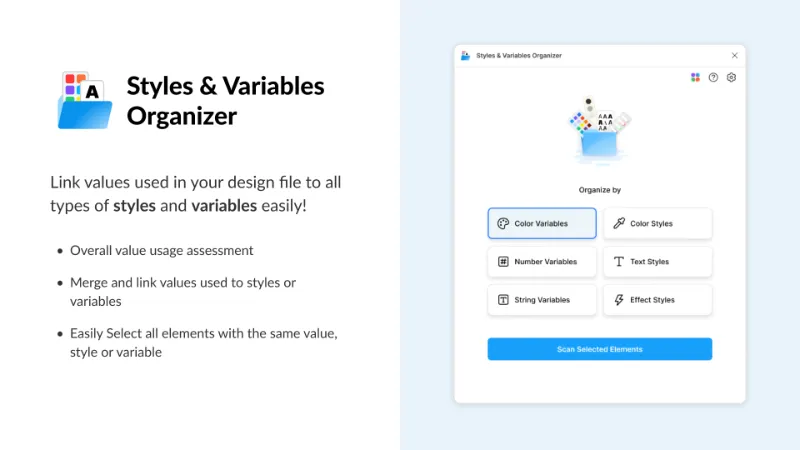
Variable Master
Manage design tokens and variables
Free
FAQ
Frequently asked questions
What is the most popular Figma plugin?
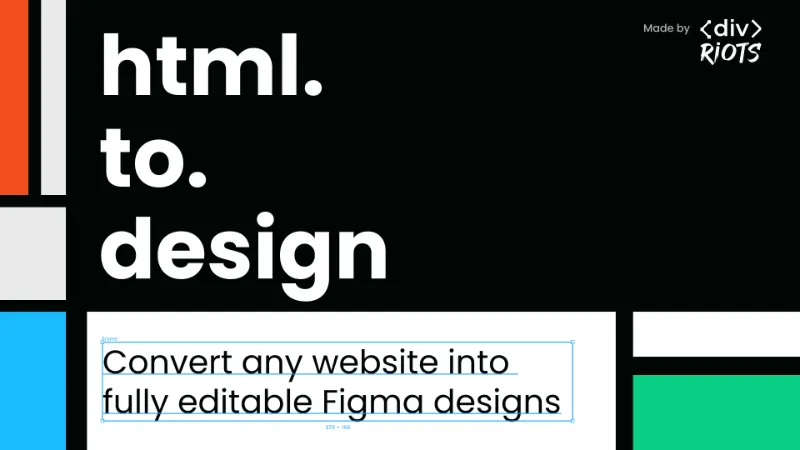
html.to.design (import any website into Figma) is the most-used Figma plugin, followed closely by Figma to Code and Icons8. All three have more than two million users.
What Figma plugins should every designer have?
A good starter kit covers icons, placeholder content, contrast checking and layer clean-up, because those come up on nearly every project. The essentials block above picks the most-used plugin for each of those jobs. Add code-export or mockup plugins once your work needs them.
Are the best Figma plugins free?
Most of them, including the majority of the top 50. Some popular ones, especially code export and AI tools, charge for advanced features. See the best free Figma plugins.
Can I suggest a plugin?
Yes. If you think one is missing from a list it clearly belongs to, reach out through our Figma Community profile.