The best Figma design token and variables plugins in 2026
Styles & Variables Organizer is the most-used Figma variables plugin, with 134K users. It applies styles and variables across whole files, which is the job that takes longest when you move an old file onto tokens. It's paid, $15 in our data, and not a subscription.
Top 20 picks

Styles & Variables Organizer
#1 · 134K users
Quick answer
Our top picks
- #1
Most used
Styles & Variables Organizer
by Chenmu Wu
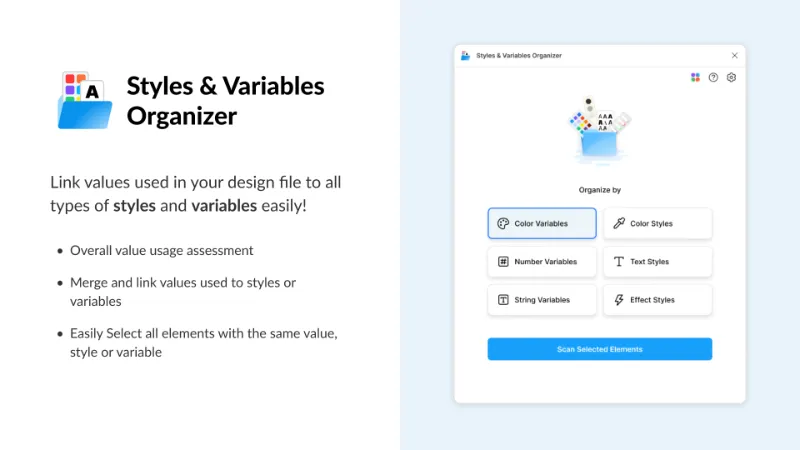
Styles & Variables Organizer applies styles and variables across new and legacy files, and is aimed at teams managing a design system at scale. It's the one to try when a migration means rebinding thousands of layers. It's paid ($15 in our data), where most tools in this list are free.134K 3.2KFree + $15 - #2
Best free way to move variables between files

Export/Import Variables
by Honza Toman
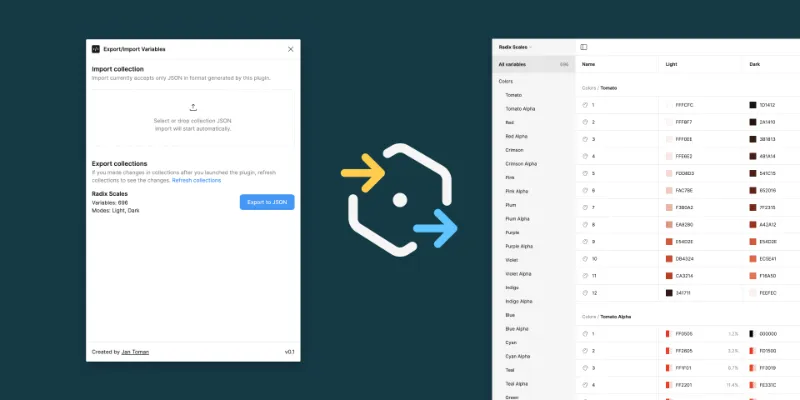
Export/Import Variables exports variables from one file and imports them into another, with support for modes, references and scopes across all variable types. It suits library migrations and adapting a Community library to your own system. Figma's native export and import now covers simpler cases, so compare the two on your own collections.85K 1.7KFree - #6
Best for code output
variables2css
by Kai-Uwe Hella
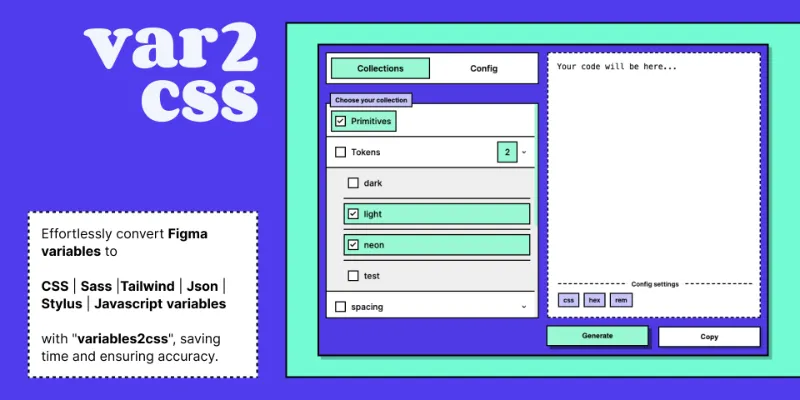
variables2css converts color and number variables to CSS, Sass, Tailwind, Stylus, Less, JSON or Styled-Components, in both Figma Design and Dev Mode. It's the quickest way for a developer to get usable code from a variables collection. It's a copy-out tool, so it won't replace a build step if tokens change often.28K 353Free
Outside the ranking · Disclosure
The full list
The 20 most-used Figma plugins for variables & tokens
- 01
Styles & Variables Organizer
Apply styles and variables to all your designs with one click!
Free + $15 · 3.2K likes
134K3.2KFree + $15 - 02
Export/Import Variables
Export variables from one file and import them to another. Supports modes, references, and scopes.
Free · 1.7K likes
85K1.7KFree - 03
 62K1.9KFree
 - 04
 53K606Free
 - 05
 34K1.7KFree
 - 06
variables2css
Convert Figma Variables to CSS, Sass, Tailwind, Json, Javascript (Styled-Components), Less or Stylus
Free · 353 likes
28K353Free - 07

Variables manager: reorder and copy variables between files
Save, copy, and reorder variables across files easily
Free + paid · 188 likes
25K188Free + paid - 08

Figma Token Exporter
Token export made a breeze - Load your variables and export them in various formats for handover
Free · 168 likes
23K168Free - 09
 22K222Free
 - 10

Find & Replace Styles, Variables
Find & replace any styles, variables and anything else anywhere!
Free · 257 likes
21K257Free - 11

Color Variables Style Guide Generator
Automatically generate color style guides based on your defined variables including modes
Free · 393 likes
18K393Free - 12
 18K208Free
 - 13
 17K389Free
 - 14
 16K296Free
 - 15
 16K895Free
 - 16

Design System Tool
Bring design tokens to life. Boost your components. Automate creating Design System.
Free · 255 likes
13K255Free - 17
 12K246Free
 - 18

Apply variables
Automatically convert applied styles or untokenized properties to variables of a remote collection.
Free · 455 likes
12K455Free - 19
 11K51Free
 - 20
 11K292Free
Buying guide
What to look for
Figma exports variables as DTCG JSON without a plugin: right-click a collection in the Variables view, choose Export modes, and you get one file per mode. You can drag those files into another file's Variables view to import them. Figma doesn't write CSS, Tailwind or CSV, and its REST API variables endpoints need a Full seat on Enterprise. Our guide on how to export Figma variables walks through each route.
The plugins below do what native export doesn't. Some convert variables to code (variables2css, Figma Tailwindcss, Export Variables). Some bind or swap variables across many layers (Apply variables, Find & Replace Styles, Variables). Others visualise a token set for review (Variable Visualizer and the style guide generators).
- 01
Output format
Decide what the tokens feed: CSS custom properties, SCSS, a Tailwind theme, DTCG or Style Dictionary JSON, or JavaScript. Pick a plugin that writes it directly.
- 02
Aliases and modes
A semantic token that points at a primitive should stay a reference in the output, and light and dark modes should come out as separate sets. Test with a collection that uses both.
- 03
Naming
Check how
color/accent/defaultbecomes a code name. Plugins that respect Figma's code syntax field or let you set a naming convention save a renaming step. - 04
Sync direction
Most tools export one way. If developers edit tokens in code, you need an import path back into Figma, or you'll maintain two sources.
- 05
Bulk binding
For legacy files, the useful plugins are the ones that replace raw values and old styles with variables across a page, not just export.
FAQ
Frequently asked questions
Can Figma export design tokens natively?
Yes. Right-click a collection in the Variables view and choose Export modes to get DTCG JSON, one file per mode. There's no native CSS or Tailwind export, so use a plugin or Style Dictionary for those.
How do I convert Figma variables to CSS?
Run variables2css or Export Variables (CSS, SCSS, Tailwind) and copy the output, or export DTCG JSON natively and build CSS with Style Dictionary. The second route is better if tokens change often.
What's the difference between Figma variables and design tokens?
Design tokens are named design decisions stored in a format any platform can read. Figma variables are how Figma stores those decisions inside a file. Exporting variables as DTCG JSON turns them into tokens your code can use.
How do I copy variables from one Figma file to another?
Publish the collection as a library, or export it as JSON and drag the files into the other file's Variables view. Plugins like Export/Import Variables and Variables manager add previews and multi-collection moves.
How do I apply variables to an existing design?
Select layers and bind variables in the right sidebar, or use Apply variables or Styles & Variables Organizer to swap raw values and old styles for variables in bulk. Run Find Variables afterwards to see where each one is used.
Keep exploring
Related lists and guides



Design Systems
building and maintaining design systems
See the top picks



Color Palettes
colour palettes and colour tools
See the top picks



Developers
developers
See the top picksGuides
- How to Export Figma Variables to JSON (and CSS, Tailwind or CSV)Export Figma variables to JSON natively, convert them to CSS or Tailwind with Style Dictionary, and move variables between files with Variable Master.
- Figma Variables Not Showing? Here's Why and How to Fix ItFigma variables now open from the Variables tab in the left nav. If one won't appear in a picker, check its type, scoping and library. Mode switch fixes too.
- How to Toggle a Boolean Variable to Show and Hide Layers in FigmaBind a boolean variable to layer visibility, then toggle it on click with Set variable and a not expression. Plus why boolean variables stop working in Figma.
- How to Change Variable Modes in Figma and Build Dark ModeSet up Light and Dark modes in one Figma color collection, switch a frame or page with Apply variable mode, and fix modes that won't change in prototypes.
- How to Create Variables in FigmaCreate Figma variables from the Variables tab, pick the right type, group and duplicate them, delete the ones you don't need and clear leftover used variables.
- How to Create and Publish a Library in FigmaCreate a Figma library: build components, styles or variables in one file, then Assets → Libraries → Publish. Plan and seat rules, drafts, hiding assets.