The best HTML to Figma plugins in 2026
The most-used HTML to Figma plugin is html.to.design by divRIOTS, with 2.4M users. You give it a URL and it rebuilds the page as editable Figma layers. It's a paid plugin, listed at $18 a month in our data.
Top 20 picks

html.to.design
#1 · 2.4M users
Quick answer
Our top picks
- #1
Most used
html.to.design
by divRIOTS
html.to.design converts a live website into editable Figma layers and works in Figma Design, FigJam and Figma Slides. It suits redesigns, audits and competitor studies where you'd otherwise redraw a page by hand. It's a paid subscription at $18 a month in our data, which is a lot for occasional use.2.4M 37KFree + $18/mo - #6
Best for PDFs
pdf.to.design
by divRIOTS
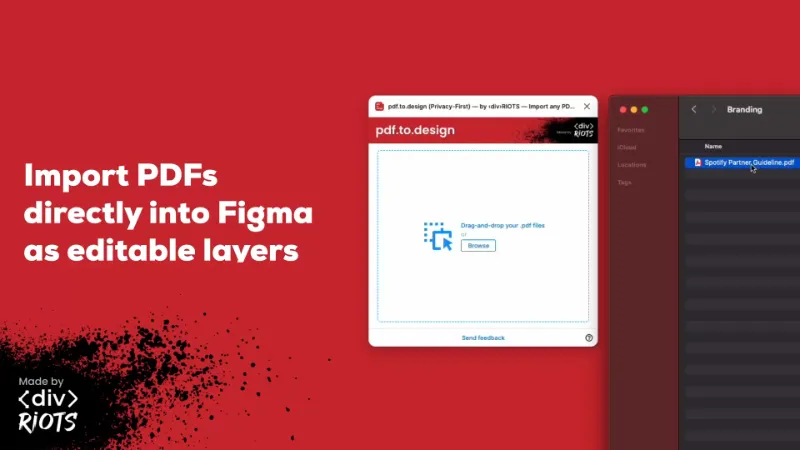
pdf.to.design imports PDF pages as editable layers or as pixel-perfect images. Its listing says files stay on your machine and never reach a server, which matters for contracts, reports and client decks. Complex PDFs can still come in with fragmented text boxes, so check the layers before editing.215K 2.5KFree - #8
Best free website importer

HTML to Figma
by ReforeAI
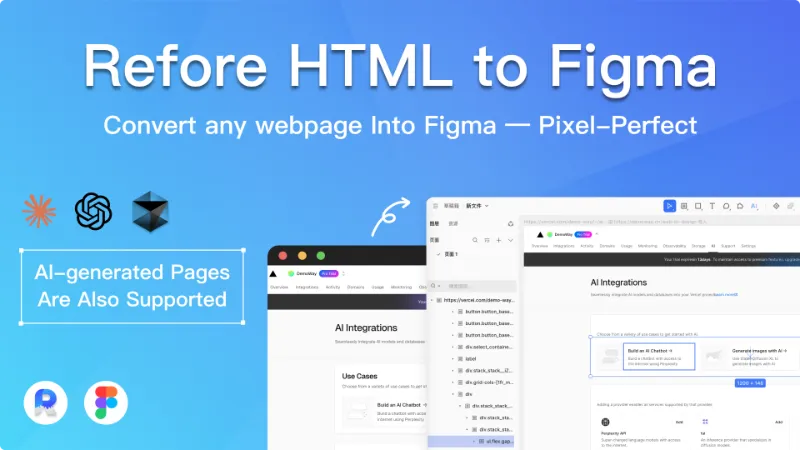
HTML to Figma by Refore turns web pages into editable Figma designs and says it handles AI-generated pages too. It's listed as free with no in-app purchases in our data. At 109K users it's much smaller than html.to.design, so expect fewer tutorials and a smaller track record on tricky layouts.109K 1.4KFree
The full list
The 20 most-used Figma plugins for website to figma
- 012.4M37KFree + $18/mo
- 02

Convertify Sketch/Adobe/Google
Export to Sketch, XD, After Effects, PSD, InDesign — or — Import XD, Illustrator, PSD, InDesign, PDF
Free + paid · 5.1K likes
519K5.1KFree + paid - 03
 314K2.6KFree
 - 04

Codia AI Design: Screenshot to Editable Figma Design
Capture, Transform, Create! Transform Screenshot into Stunning Editable Figma Designs with Ease!
Free · 5.8K likes
309K5.8KFree - 05

Web to Figma
Import any website or HTML code to Figma editable design. Goodbye screenshots.
Free + paid · 3.4K likes
244K3.4KFree + paid - 06215K2.5KFree
- 07

Image To Figma Design
Convert, edit, iterate - for free: Screenshot-to-Figma made easy
Free · 739 likes
129K739Free - 08
HTML to Figma
Transform any webpages into fully editable Figma design, AI-Generated page also support
Free · 1.4K likes
109K1.4KFree - 09

image.to.design
Import any image format into Figma - as an image or as editable layers
Free · 1.7K likes
67K1.7KFree - 10

Codia AI PDF: Import PDF to Editable Figma Layers
Master Your PDFs, Master Your Design!
Free · 349 likes
49K349Free - 11

Codia AI Psd2Figma: Import and Export Photoshop PSD
Seamless Conversion Between Photoshop & Figma
Free · 1.2K likes
48K1.2KFree - 12

Screenshot2Design
Convert screenshot into editable design files! Mock up customizing in just a matter of second 🔥
Free · 340 likes
48K340Free - 13

code.to.design playground
Instantly transform your code snippets into fully editable Figma designs.
Free · 932 likes
47K932Free - 14
 37K914Free
 - 15

illustrator.to.design
Import your Adobe Illustrator files (.ai) as fully editable Figma designs
Free · 631 likes
35K631Free - 16

HTML to Figma
Convert any website, HTML,CSS,JS into editable Figma designs with one click. Just 3$/month/unlimited
Free · 349 likes
34K349Free - 17
 34K167Free
 - 18
 28K410Free
 - 19

Website to Figma: Import Website Design and HTML Pages to Figma
Website to Figma Design
Free · 223 likes
26K223Free - 20
 24K292Free
Buying guide
What to look for
Figma Design imports .sketch files natively (drag the file in or use File > Import), and Sketch symbols become components. It has no native import for web pages or PDFs, so both need a plugin. If you only need a reference, a full-page screenshot is still the quickest route; import to editable layers when you plan to change the design.
This list covers three kinds of import: live websites read from their HTML and CSS, documents (PDF, Photoshop, Illustrator, Office), and screenshots rebuilt by AI. divRIOTS makes eight of the top 20. A URL import reads the real page structure, so it usually beats a screenshot rebuild for text, fonts and spacing.
- 01
Fidelity
Look for text that stays live text, real fonts, images as image fills, and layout converted to auto layout where possible. Test on a page with complex CSS before committing.
- 02
Viewport control
Importing desktop, tablet and mobile widths of the same page saves a lot of manual resizing. Check whether the plugin lets you set widths or only captures one.
- 03
Pages behind a login
A URL importer can't see dashboards or staging sites that need you to sign in. Some tools offer a browser extension or HTML paste for those pages; check before you buy.
- 04
Privacy
PDFs and internal pages can hold sensitive content. pdf.to.design says it processes files on your machine; most other importers send the content to a server.
- 05
Pricing model
The top importer is a monthly subscription, while several alternatives are free or sell extra imports inside the plugin. If you import a few pages a year, a free option is probably enough.
FAQ
Frequently asked questions
Can you import a website into Figma?
Not natively. You need a plugin such as html.to.design, Web to Figma or HTML to Figma by Refore, which read a URL and rebuild the page as layers. The result is a starting point: expect to rename layers and tidy auto layout.
Can Figma import a PDF?
Figma Design has no native PDF import. pdf.to.design and Codia AI PDF import pages as editable layers; PDF to Figma brings them in as images, which is enough for reference or markup.
How do I turn a screenshot into an editable Figma design?
Use an AI rebuild plugin like Codia AI Design, Image To Figma Design or Screenshot2Design. They guess the layout from pixels, so results are rougher than a URL import. More options are on our AI plugins list.
Is html.to.design free?
It's listed as a paid plugin in our data, at $18 a month. Check its Community page for a trial or free allowance before you subscribe. HTML to Figma by Refore is a free alternative with fewer users.
Can I import Sketch, Adobe XD or Photoshop files into Figma?
Sketch files import natively through File > Import. For XD, Illustrator, Photoshop and InDesign you need a plugin, such as Convertify or the psd.to.design and illustrator.to.design plugins. See also our import and export plugins.