The Figma starter stack: 8 plugins to install first
If you only install a handful of plugins, make it these. Each one covers a job that comes up in nearly every file: icons, photos, placeholder text, background removal, fonts, colour, contrast and mockups. All of them are free to start, and most are among the most-used plugins on the Figma Community.
8 plugins8 free to startPicked by figmaplugins.co

Iconify
4.6M users
Make it yours. Copy this stack to your account, swap plugins in or out, and share your version with a link.
Make it my stackThe stack
8 plugins, one job each
- 1
Iconify
by Vjacheslav Trushkin
4.6M users34KFreeBest forIcons
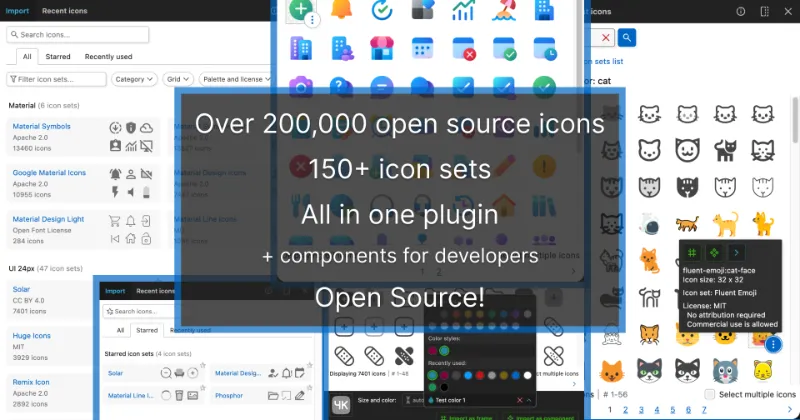
One search box over 200+ open-source icon sets, so you rarely need a second icon plugin. Icons land as editable vectors.
- 2

Unsplash
by Unsplash
3.8M users33KFreeBest forPhotos
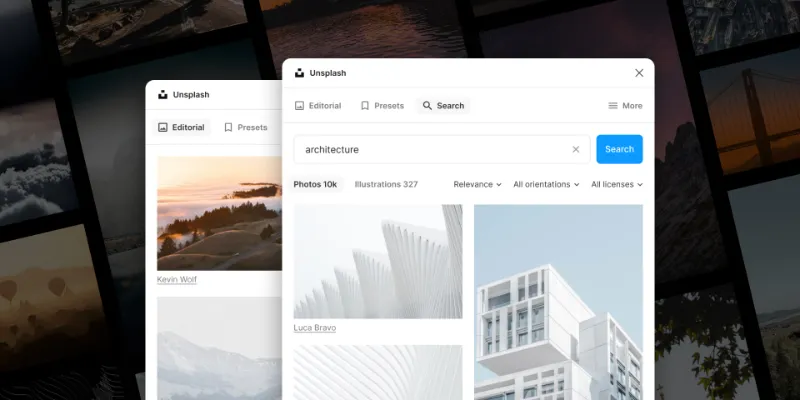
Drops Unsplash photos straight into frames and shapes. The Unsplash License covers commercial work, which makes it safe for client files.
- 3

Lorem Ipsum
by divRIOTS
1.2M users11KFreeBest forPlaceholder content
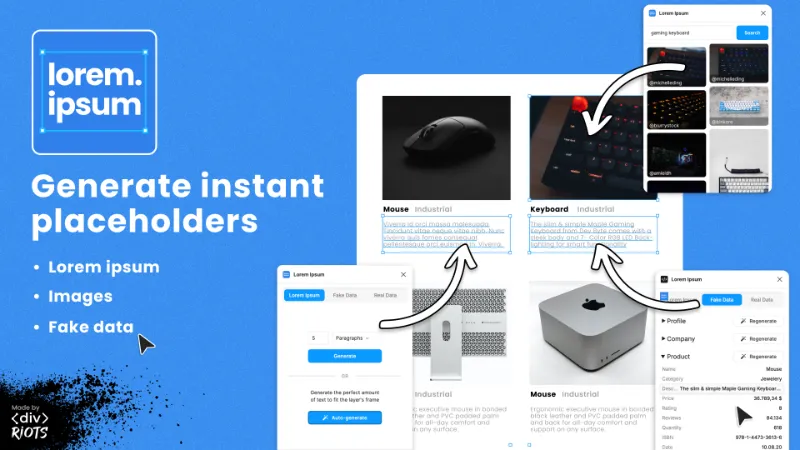
Fills text layers with lorem ipsum, shapes with photos, and cards with fake names and company data in one click.
- 4

Remove BG
by Aaron Iker
1.7M users17KFree + paid featuresBest forBackground removal
Cuts the background out of a selected image without leaving Figma. You need a remove.bg account, and full-resolution results use their paid credits.
- 5

Better Font Picker
by Nitin Gupta
485K users6KFreeBest forFonts
Previews every font installed on your computer as you scroll, instead of Figma's list of names. It only shows installed fonts.
- 6

Coolors
by Coolors
259K users7.3KFreeBest forColour
Generates random palettes in one click. Lock the colours you like and keep generating around them.
- 7

Contrast
by Alex Carr
527K users8.5KFreeBest forContrast checks
Checks text contrast against WCAG as you work, including text on gradients and images, which simpler checkers can't measure.
- 8

Mockup Plugin
by ls.graphics
1.6M users20KFree + paid featuresBest forMockups
Puts a frame onto a phone, laptop or branding mockup in a few clicks. A good share of the library is free; the rest is premium.
FAQ
Frequently asked questions
What Figma plugins should a beginner install first?
Start with one plugin per everyday job: Iconify for icons, Unsplash for photos, Lorem Ipsum for placeholder content, Better Font Picker for fonts, Coolors for palettes, Contrast for accessibility checks and Mockup Plugin for presentation. Add specialist plugins once you hit a job these don't cover.
Are these Figma plugins free?
All eight are free to install and use. Remove BG, Mockup Plugin and a few others sell extra credits or premium content, but the free tier is enough to learn Figma. See the best free Figma plugins for more.
How do I install a plugin from this stack?
Open any plugin's page and use the Figma link, or in a Figma file press Cmd + K (Ctrl + K on Windows), switch to Plugins & widgets and search by name. The install guide walks through it.
Keep exploring
Related lists and guides


Free
free plugins that cost nothing to use
See the top picks


Icons
icons
See the top picks


Images & Stock Photos
stock photos and images
See the top picks


Mock Data & Content
realistic placeholder content and mock data
See the top picksGuides
- How to install Figma pluginsFigma plugins don't need installing: open one from the Community or run it inside a file. Steps for Figma Design, Dev Mode, FigJam, Slides, saving and admins.
- How to add icons in FigmaAdd icons in Figma with an icon plugin, a shared icon library, or by pasting SVG code, which imports as editable vectors. Plus how to recolour and export icons.
- How to Remove the Background From an Image in FigmaRemove an image background in Figma with the Remove background AI action, a free plugin, or a pen-tool mask. Credit costs, plan limits and why it isn't working.
- How to Add a Font to FigmaAdd a font to Figma: install the .TTF or .OTF file, restart the desktop app or use the font installer in a browser, or upload it to your account for every file.
More stacks
- 7 plugins
Design system stack
Design system maintainers and the teams that consume a library



 See the stack
- 7 plugins
Developer handoff stack
Designers handing off to engineers, and developers working in Dev Mode


 See the stack
- 6 plugins
Wireframing and user flow stack
UX designers mapping structure and flows before visual design



 See the stack