The design system stack: 7 Figma plugins for DS teams
Figma's variables and libraries do the core work. These plugins fill the gaps around them: tokens that sync to code, moving variables between files, catching layers that skip the system, finding every use of a component, and keeping documentation and Storybook in step with the library.
7 plugins7 free to startPicked by figmaplugins.co

Tokens Studio for Figma
369K users
Make it yours. Copy this stack to your account, swap plugins in or out, and share your version with a link.
Make it my stackThe stack
7 plugins, one job each
- 1
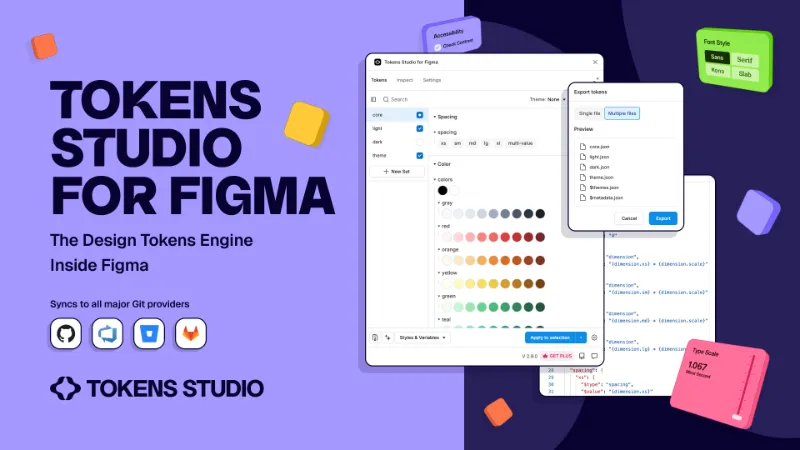
Tokens Studio for Figma
by Jan Six
369K users7.6KFree + paid featuresBest forDesign tokens
Tokens that reference other tokens, synced to GitHub or other storage so design and code read the same source. The free version covers the basics; sync and theming at scale need Pro.
- 2

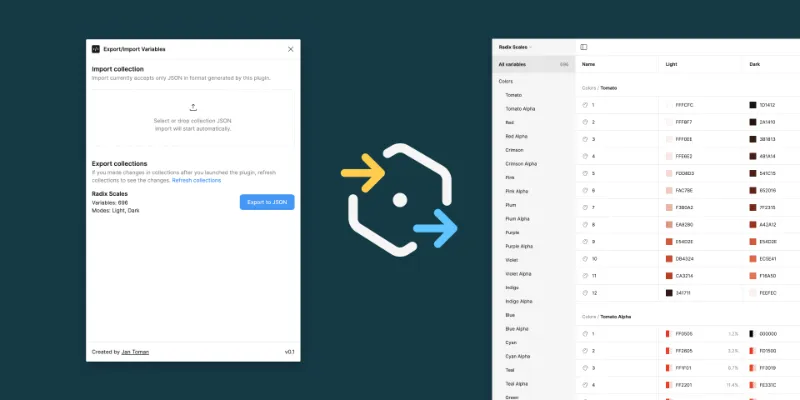
Export/Import Variables
by Honza Toman
91K users1.7KFreeBest forVariable migration
Exports variables from one file and imports them into another with modes, aliases and scopes intact. Handy for moving a community kit into your own library.
- 3

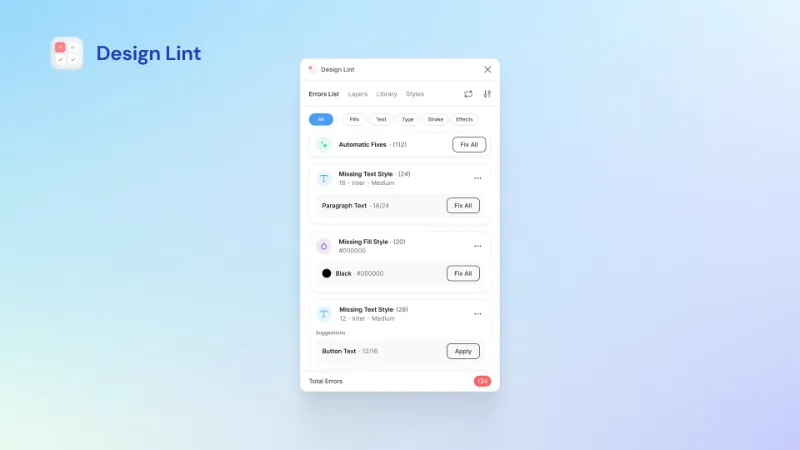
Design Lint
by Daniel Destefanis
147K users5.8KFreeBest forLinting
Finds fills, text and effects that aren't using a style, so you can fix them before handoff. No account or setup.
- 4

Instance Finder
by Idan Arbel
99K users1.8KFreeBest forInstance audits
Lists every instance of a component across all pages. Useful before a breaking change, to see what you're about to touch.
- 5

Styles & Variables Organizer
by Chenmu Wu
140K users3.3KFree + $15 upgradeBest forStyles cleanup
Applies library styles and variables across new and legacy files in bulk. Full use is paid, so it earns its place on migrations rather than day-to-day work.
- 6

Automatic Style Guides
by Jordan Geizer
102K users2KFreeBest forStyle guide docs
Generates colour and type style guide pages from your local styles and updates them when styles change, so the docs don't drift.
- 7

Storybook Connect
by Chromatic Deploys
63K users1.1KFreeBest forCode parity
Links components to their Storybook stories, so designers and reviewers can check the live implementation without leaving Figma.
Outside the stack · Disclosure
FAQ
Frequently asked questions
Do I still need a tokens plugin now that Figma has variables?
Not always. Variables cover colour, number, string and boolean values inside Figma. Teams reach for Tokens Studio when they need token types variables don't support, or a Git-based source of truth shared with code.
How do I move Figma variables from one file to another?
Publish them as a library, or export and import them with a plugin like Export/Import Variables, which keeps modes and aliases. Our guide to exporting Figma variables covers both routes.
What's the best Figma plugin for design system documentation?
Automatic Style Guides handles colour and type pages. For component-level specs, look at the documentation plugins in the best Figma plugins for design systems.
Keep exploring
Related lists and guides


Design Systems
building and maintaining design systems
See the top picks
Variables & Tokens
variables and design tokens
See the top picks


Developers
developers
See the top picksGuides
- How to Export Figma Variables to JSON (and CSS, Tailwind or CSV)Export Figma variables to JSON natively, convert them to CSS or Tailwind with Style Dictionary, and move variables between files with Variable Master.
- How to Create Variables in FigmaCreate Figma variables from the Variables tab, pick the right type, group and duplicate them, delete the ones you don't need and clear leftover used variables.
- How to Create and Publish a Library in FigmaCreate a Figma library: build components, styles or variables in one file, then Assets → Libraries → Publish. Plan and seat rules, drafts, hiding assets.
- How to Add Properties to a Figma ComponentAdd boolean, text, instance swap, variant and slot properties to a Figma component, link them to layers, and fix 'not used within component' warnings.
More stacks
- 8 plugins
Figma starter stack
Designers setting up Figma for the first time



 See the stack
- 7 plugins
Developer handoff stack
Designers handing off to engineers, and developers working in Dev Mode


 See the stack
- 6 plugins
Wireframing and user flow stack
UX designers mapping structure and flows before visual design



 See the stack