The icons and illustrations stack: 7 Figma plugins
One broad icon search, two consistent icon families, a premium set and three illustration libraries. That covers almost any asset request, and every item lands in Figma as editable vectors you can recolour to match your brand.
7 plugins7 free to startPicked by figmaplugins.co

Iconify
4.6M users
Make it yours. Copy this stack to your account, swap plugins in or out, and share your version with a link.
Make it my stackThe stack
7 plugins, one job each
- 1
Iconify
by Vjacheslav Trushkin
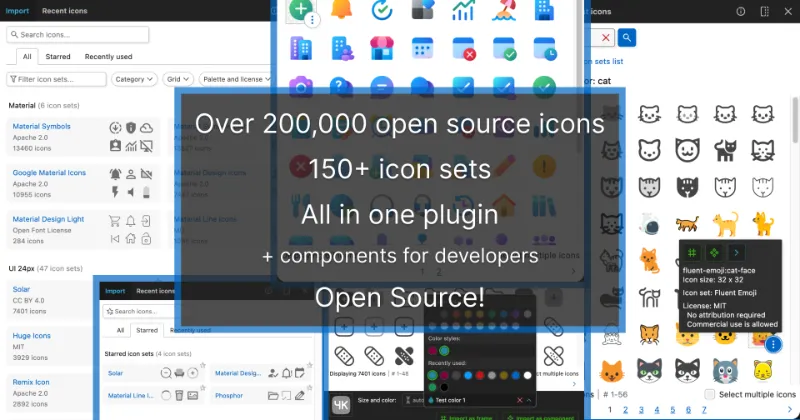
4.6M users34KFreeBest forEvery open-source set
Searches 200+ open-source icon sets at once. Start here when you need one icon fast and don't mind which family it comes from.
- 2

Material Symbols
by Tomas Roggero
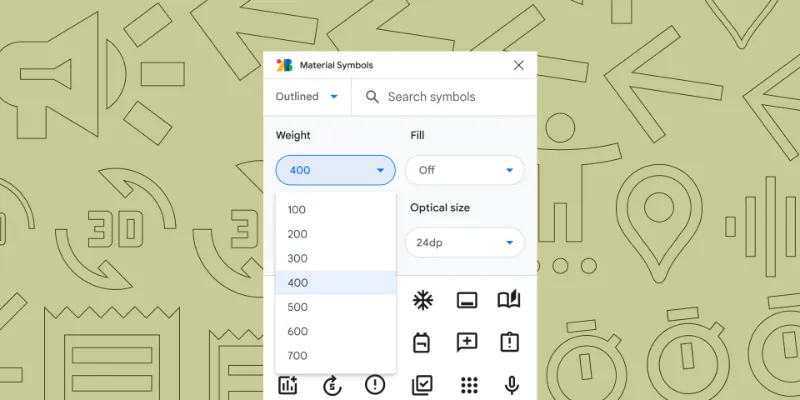
781K users18KFreeBest forMaterial icons
Google's 2,500+ Material Symbols with fill, weight and optical size controls. The default choice for Android and Material-based products.
- 3

Phosphor Icons
by Phosphor Icons
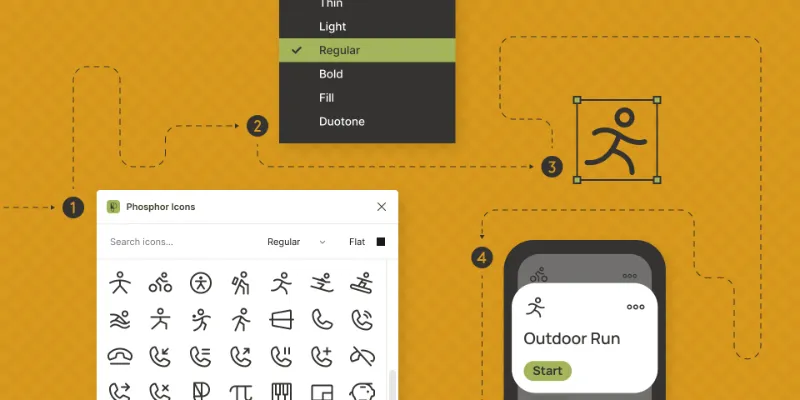
322K users3.8KFreeBest forConsistent UI family
A 1,500-icon family in six weights, from thin to duotone. Picking one family keeps an interface consistent in a way mixed sets can't.
- 4

Streamline
by Streamline
469K users6.5KFree + paid featuresBest forPremium icons
Large icon, illustration and emoji sets designed in-house. Plenty is free; the full library is a paid subscription.
- 5

Blush
by Pablo Stanley
666K users12KFree + paid featuresBest forCustom illustrations
Build an illustration by mixing characters, poses and backgrounds from a collection, then tweak it to fit your brand. Some collections are paid.
- 6

Storyset by Magnific
by Freepik: Integrations
365K users5.2KFreeBest forIllustration library
50,000+ free, customisable illustrations for empty states, onboarding and marketing pages.
- 7

Humaaans for Figma
by Tekeste Kidanu
247K users2.7KFreeBest forPeople illustrations
Pablo Stanley's Humaaans: mix-and-match people illustrations, useful when a page needs a human touch without stock photos.
FAQ
Frequently asked questions
What's the best icon plugin for Figma?
Iconify is the most-used, because it searches 200+ sets at once. If you need one consistent family, pick Material Symbols or Phosphor. More in the best icon plugins.
Are icons from Figma plugins free for commercial use?
Most open-source sets are, but licences differ (MIT, Apache, CC BY). Check the licence of the set you use, especially Iconify, which mixes many sets.
How do I add icons in Figma?
Run an icon plugin, search, and click or drag the icon onto the canvas. Our guide to adding icons in Figma covers plugins, libraries and SVG imports.
Keep exploring
Related lists and guides



Icons
icons
See the top picks

Illustrations
illustrations
See the top picks

Visual Assets
graphic design and visual assets
See the top picksGuides
- How to add icons in FigmaAdd icons in Figma with an icon plugin, a shared icon library, or by pasting SVG code, which imports as editable vectors. Plus how to recolour and export icons.
- How to Outline a Stroke in FigmaOutline stroke in Figma turns a stroke into a filled shape with Cmd+Option+O. How it differs from Flatten and Outline mode, plus the shortcuts for each one.
- Figma Boolean Operations: How Union, Subtract, Intersect and Exclude WorkUnion, Subtract, Intersect and Exclude in Figma: the Alt+Shift shortcuts, which layer sets the style, why booleans fail on frames, and how to undo a union.
More stacks
- 8 plugins
Figma starter stack
Designers setting up Figma for the first time

 See the stack
- 7 plugins
Design system stack
Design system maintainers and the teams that consume a library



 See the stack
- 7 plugins
Developer handoff stack
Designers handing off to engineers, and developers working in Dev Mode



 See the stack