Best Figma plugins for translation and localisation
CopyDoc Text Kit is the most-used Figma translation plugin, with 124K users. It does more than translate: it exports, imports, spell checks and updates the text in a file, which matters once copy goes out to translators and has to come back into the right layers. If you only need a few layers translated, Translator (84K users) is simpler, but it's paid.
Top 20 picks

CopyDoc Text Kit
#1 · 124K users
Quick answer
Our top picks
- #1
Most used
CopyDoc Text Kit
by Hypermatic
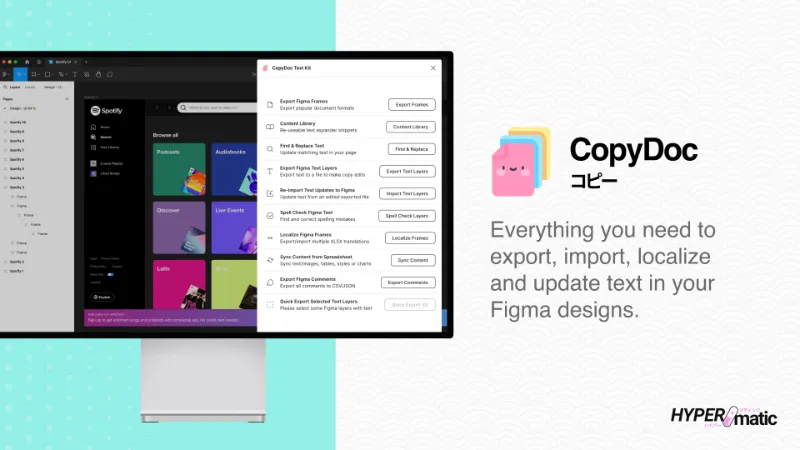
CopyDoc Text Kit, from Hypermatic, groups the text jobs around a file: export, import, localise, spell check and bulk update. It suits content designers and teams who send strings to translators and need them back in the same layers. It's free to install with in-app purchases, and runs in Figma Design and Figma Slides among other editors.124K 1.3KFree + paid - #3
Best free option

Parrot
by Samuel Stroschein
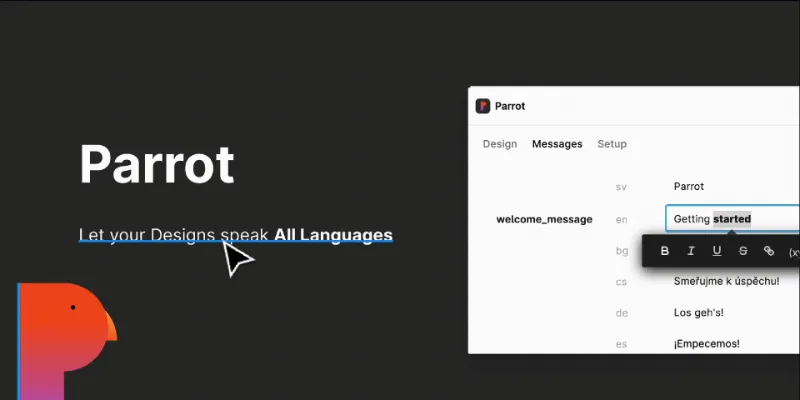
Parrot manages translations inside Figma for multilingual projects, and it's free with no in-app purchases. It also runs in Dev Mode, which helps developers see which strings belong where. At 56K users it has a smaller following than CopyDoc, so check its export options fit your developers' setup before rolling it out.56K 375Free - #6
Best for Lokalise teams

Lokalise
by Lokalise
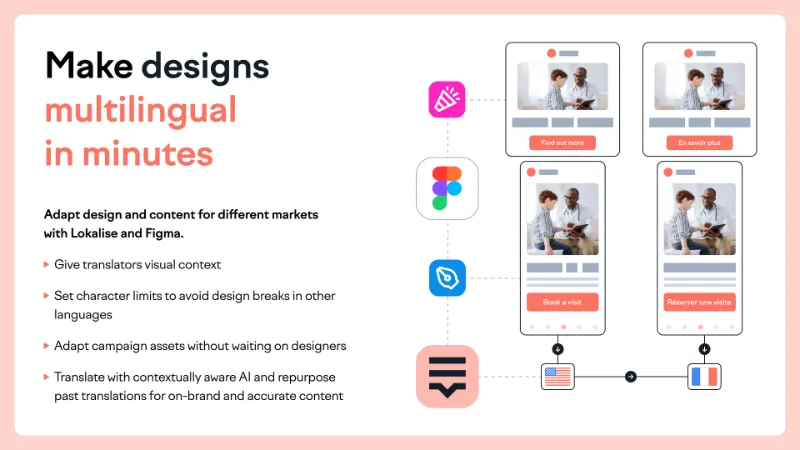
Lokalise's own plugin brings translated content from your Lokalise project into designs so you can check every language version. It's free to install with in-app purchases. It only makes sense if your company already manages translations in Lokalise.22K 324Free + paid
The full list
The 20 most-used Figma plugins for translation
- 01
CopyDoc Text Kit
Everything you need to easily export, import, localize, spell check, and update Figma text
Free + paid · 1.3K likes
124K1.3KFree + paid - 02
 84K994Free + $9/mo
 - 0356K375Free
- 04

Translations for figma
Translate, localize, and perfect design for global audience - i18n
Free + $5 · 344 likes
38K344Free + $5 - 05
 32K454Free
 - 0622K324Free + paid
- 07

Frontitude • UX Content Management
Create, collaborate, and translate UX content with a single source of truth.
Free + paid · 431 likes
17K431Free + paid - 08

Easy Translator
Translate your designs and Jam session content into over 100 languages
Free · 70 likes
16K70Free - 09

Translation XML Text Export & Import
Translation XML file export and import with connectors to Crowdin & memoQ
Free · 68 likes
15K68Free - 10

Language Tester
Free · 204 likes
12K204Free - 11
 11K197Free + paid
 - 12

Transez
Transez combines GPT-powered translation with AI-driven content generation,design 10x faster.
Free · 62 likes
10K62Free - 13
 8.7K26Free
 - 14
 8.3K75Free + $9/mo
 - 15
 7.3K26Free
 - 16

FluentC Translation and Localization
Streamline your translation with FluentC: Translate designs with ease and bring your vision gloabl
Free · 22 likes
4.2K22Free - 17
 3.7K28Free
 - 18
 3.1K32Free + paid
 - 19
 3.1K50Free + paid
 - 20
 2.9K18Free
Buying guide
What to look for
Figma translates natively now. Select a text layer, click Actions and choose Translate to a language. That's enough for a quick check of how a screen looks in Spanish. Real localisation, with translators, a translation management system and hundreds of strings, needs a plugin that exports strings and brings them back, or one that connects to your platform. Lokalise, Phrase, Crowdin, Transifex and Localazy all have options in this list.
String variables are another native route: create a mode per language, bind text layers to variables, and switch a whole page between languages. It works well for a few key screens, but every string is maintained by hand in the variables panel.
- 01
Machine translation or managed workflow
Machine translation is fine for layout testing. Shipped copy usually goes through translators, so check whether the plugin can export strings and re-import the reviewed versions.
- 02
File formats and integrations
Match the plugin to what your localisation team uses: XML, JSON or CSV exports, or a direct connection to Lokalise, Phrase, Crowdin, memoQ, Transifex or Localazy.
- 03
Layout testing
German and Finnish run long, and right-to-left languages mirror layouts. Check how the plugin handles longer strings in auto layout and whether it supports the scripts you ship.
- 04
Accounts and API keys
Several plugins are front ends for a paid platform or need your own API key, such as the DeepL plugin. Count that cost, not just the plugin price.
FAQ
Frequently asked questions
Can Figma translate text?
Yes. Select a text layer, click Actions in the toolbar and choose Translate to, then a language. It's part of Figma AI's text tools alongside rewriting and shortening. For multi-language projects with translators involved, a plugin like CopyDoc Text Kit handles the export and import side.
How do I localise a Figma design into multiple languages?
Either create a string variable for each piece of copy with one mode per language and switch modes on the page, or export strings with a plugin, translate them, and import them back. Teams on a localisation platform should use its plugin, such as Phrase Strings or Lokalise.
Is there a free Figma translation plugin?
Yes. Parrot, Easy Translator and Free Translator are free. DeepL Translator is free but needs your own DeepL API key. Translator, Translations for figma and Figma Translator are paid.
How do I test text expansion in Figma?
Translate a screen into a long-running language such as German and watch where auto layout wraps or clips. Language Tester is built for this kind of check. For type settings that hold up across languages, see our typography plugins.
Can I send Figma text to Crowdin or memoQ?
Translation XML Text Export & Import exports text as XML and lists connectors for Crowdin and memoQ. Phrase, Transifex and Localazy each have their own plugins in the ranking above.