Best Figma colour plugins for palettes and scales
The most-used Figma colour plugin is Color Palettes by Colorsinspo, with 437K users. It's a free set of more than 10 colour and accessibility tools, starting with a large library of ready-made palettes you can fill straight into a design. If you're building a product colour system rather than a mood, Tailwind CSS Color Generator (108K users) is the better fit.
Top 20 picks

Color Palettes
#1 · 437K users
Quick answer
Our top picks
- #1
Most used
Color Palettes
by Manthankumar Satani
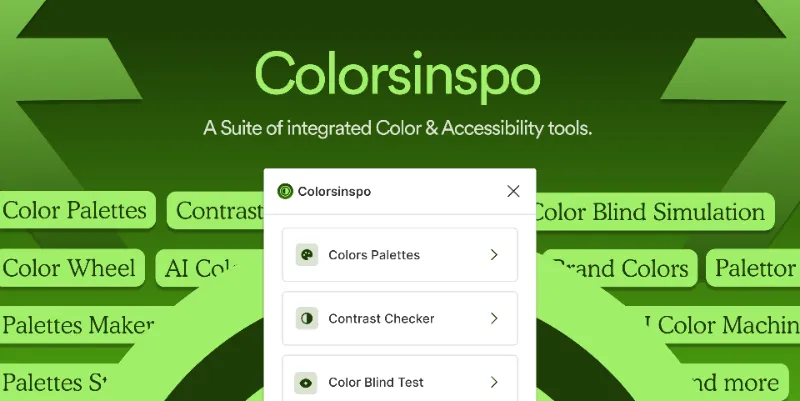
Color Palettes by Colorsinspo combines a searchable library of ready-made palettes with more than 10 free colour and accessibility tools, in Figma Design and FigJam. It suits early brand and mood work when you want options fast. A curated palette is a starting point; you'll still need tints and shades for UI states.437K 3.9KFree - #3
Best for design systems

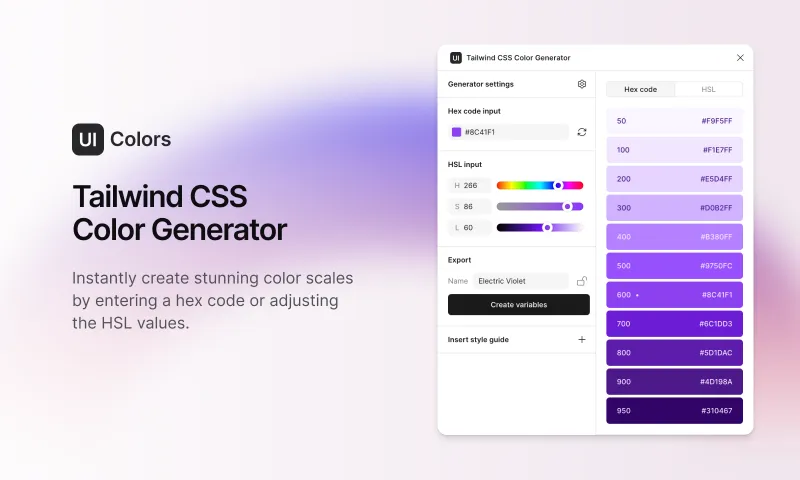
Tailwind CSS Color Generator
by Erik de Vries
Enter a hex code or HSL value, or ask for a random colour, and it generates a full Tailwind CSS colour scale. It can create and update colour variable groups from that scale, so Figma variables match what developers use. It's free, and it follows Tailwind's naming, which helps Tailwind teams most.108K 3.6KFree - #7
Best for accessible palettes

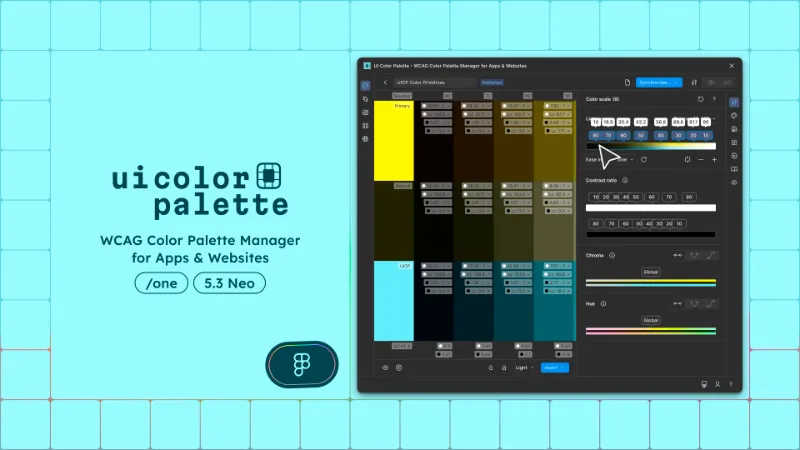
UI Color Palette /one・WCAG Color Palette Manager for Apps & Websites
by Aurélien Grimaud
UI Color Palette builds palettes that meet WCAG guidelines, and lets you create, manage, export and publish them in Figma Design, Dev Mode and FigJam. The /one edition is aimed at individuals. It's a paid plugin, so compare it with free OkColor, which offers OkLCH, APCA and WCAG in a colour picker.92K 814Free + $8/mo
Outside the ranking · Disclosure
The full list
The 20 most-used Figma plugins for color palettes
- 01
Color Palettes
A free suite of integrated Color & Accessibility tools - 10+ tools free access 🔥
Free · 3.9K likes
437K3.9KFree - 02

Color Designer
Free · 1.7K likes
110K1.7KFree - 03
Tailwind CSS Color Generator
Create custom Tailwind CSS color scales based on a given Hex code or HSL color
Free · 3.6K likes
108K3.6KFree - 04
 102K2.8KFree + paid
 - 05
 97K833Free
 - 06
 92K966Free
 - 07
UI Color Palette /one・WCAG Color Palette Manager for Apps & Websites
Color Palettes that meet WCAG Guidelines and Operations (tailored for individuals)
Free + $8/mo · 814 likes
92K814Free + $8/mo - 08

Color Compass
Quickly navigate the color spectrum with designer-focused accuracy.
Free + $30 · 1.6K likes
91K1.6KFree + $30 - 09
 80K871Free
 - 10
 71K902Free
 - 11

Spectrum
Generate beautiful color palettes & apply them instantly to anything
Free + paid · 2.4K likes
41K2.4KFree + paid - 12
 34K177Free + paid
 - 13
 28K186Free + $3
 - 14

Color Import / Export
Help design and dev teams stay in sync by providing import and export tools for color palettes
Free · 316 likes
24K316Free - 15

Find colors and Replace
Quickly finding and updating colors across your entire project hassle-free 🎨✨
Free · 119 likes
16K119Free - 16
 16K651Free
 - 17
 12K447Free
 - 18
 11K28Free
 - 19
 10K424Free
 - 20

Colors → Code
Free · 103 likes
8.6K103Free
Buying guide
What to look for
Figma's native tools handle storage well: colour styles, variables with light and dark modes, and the Selection colors panel for changing every use of a colour in a selection. What Figma doesn't do is generate colours. There's no built-in way to turn one brand hex into a full ramp of tints and shades, which is the job most of these plugins exist for.
Find-and-replace plugins appear in this ranking too, because recolouring a template across a whole file is a common chore that Selection colors only handles one selection at a time. For blends and backgrounds, see the separate gradient plugins.
- 01
Output as variables or styles
For a design system, the plugin should write colour variables or styles, not just paint swatches on the canvas. Updating an existing variable group is better still.
- 02
How scales are built
HSL-based ramps often look uneven in lightness. Tools that work in perceptual spaces like OkLCH give steps that feel more even.
- 03
Contrast checks
Check whether the plugin tests pairs against WCAG or APCA as you build, so you don't find out at the accessibility review.
- 04
Export to code
If developers work in Tailwind, CSS variables or JSON tokens, a plugin that exports those formats avoids hand-copying hex values.
- 05
Price
Most are free. UI Color Palette /one and Color Compass are paid, and Supa Palette and Spectrum have in-app purchases.
FAQ
Frequently asked questions
How do I create a colour palette in Figma?
Pick your base colours, then save each as a colour style or, for themes, as variables in a collection with light and dark modes. To generate the in-between tints, use a plugin such as Tints and Shades or Color Kit.
How do I replace a colour everywhere in a Figma file?
For one selection, use Selection colors in the right panel and change the colour there. Across pages or a whole template, Find and Replace Colors swaps a colour in bulk.
Can I check colour contrast in Figma?
Plugins do it well. Colorsinspo includes accessibility tools, and OkColor shows APCA and WCAG results while you pick. For full contrast audits, see our accessibility plugins.
How do I export Figma colours to code?
Color Import / Export and Colors → Code export palettes for developers. If your colours live in variables, read our guide to exporting Figma variables and the variables and tokens plugins.
Keep exploring
Related lists and guides




Gradients
gradients and mesh gradients
See the top picks


Accessibility
accessibility and WCAG checks
See the top picks



Variables & Tokens
variables and design tokens
See the top picksGuides
- How to Change the Background Color in FigmaChange Figma's canvas background color, switch the interface to dark or light mode, and set the prototype background. Three different settings, found here.
- How to Create Text Styles and Color Styles in FigmaCreate text and color styles in Figma, organise them into folders, edit or delete them, fix styles not showing in other files, and know when to use variables.