The AI design stack: 6 AI Figma plugins worth installing
Most AI plugins promise to design for you. This stack takes a narrower view: each plugin hands one well-defined job to AI, such as a first draft of a screen, rebuilding a screenshot, starting the code, animating a frame or upscaling an image, and leaves the decisions to you.
6 plugins6 free to startPicked by figmaplugins.co


UX Pilot
317K users
Make it yours. Copy this stack to your account, swap plugins in or out, and share your version with a link.
Make it my stackThe stack
6 plugins, one job each
- 1
UX Pilot
by Adam Fard
317K users3.9KFree + paid featuresBest forUI generation
Generates screens and wireframes from a prompt, useful for a quick first draft to react to. The free plan's credits are limited.
- 2

Codia AI Design
by Codia.AI
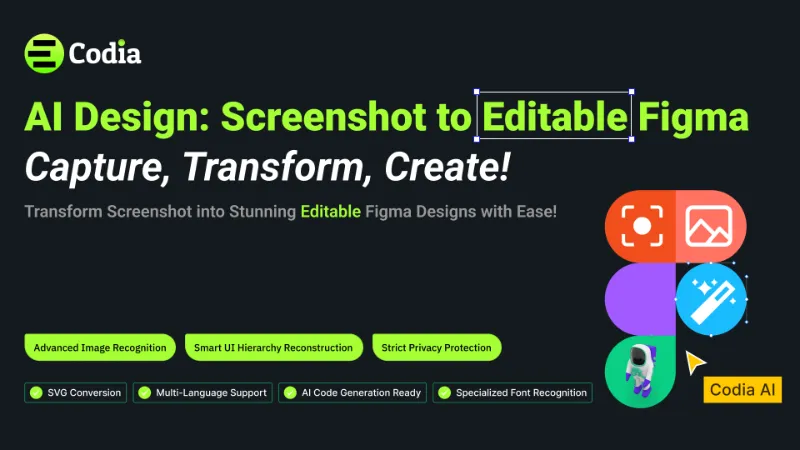
334K users6.1KFreeBest forScreenshot to design
Rebuilds a screenshot as editable Figma layers. Useful when you inherit a product with no design file.
- 3

Builder.io
by Steve Sewell
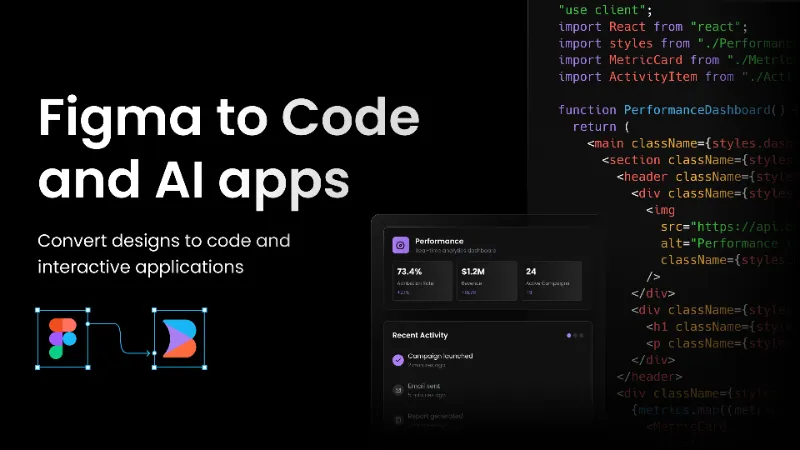
1.3M users23KFreeBest forDesign to code
Uses AI to turn a Figma screen into code for React, Next.js and other frameworks, or into a working prototype.
- 4

Magic Animator • AI Animation Generator for Figma
by Alistair Thomson
74K users3.4KFreeBest forAnimation
Generates editable animations from your frames and exports Lottie, GIF or MP4. A fast way to add motion to a static design.
- 5

AI Image Upscaler
by Meng To
161K users1.8KFree + paid featuresBest forImage upscaling
Upscales low-resolution images up to 8x. 4K output and larger images need the Pro plan.
- 6

Talk To Figma MCP Plugin
by Sonny Lazuardi
73K users2.3KFreeBest forAI agent bridge
Connects Figma to AI coding agents like Cursor over MCP, so an agent can read and edit your file. Open source, and it takes some command-line setup.
FAQ
Frequently asked questions
What's the best AI plugin for Figma?
It depends on the job. UX Pilot for generating UI, Codia AI Design for turning screenshots into layers, Builder.io for code. The full ranking is in the best AI Figma plugins.
Does Figma have built-in AI?
Yes. Figma AI and Figma Make cover some of this natively, using AI credits. Plugins fill jobs Figma's own AI doesn't, like screenshot conversion and MCP access. See Figma AI credits.
Can I use Claude or Cursor with Figma?
Yes, through an MCP server. Figma has an official one, and Talk To Figma MCP is an open-source option that can also edit your file. Our Figma MCP server guide explains the setup.
Keep exploring
Related lists and guides



AI
AI-powered design
See the top picks

Figma to Code
turning designs into code
See the top picks


Website to Figma
importing websites, PDFs and screenshots into Figma
See the top picks



Animation
animation and motion design
See the top picksGuides
- How to Set Up the Figma MCP ServerSet up the Figma MCP server in Claude Code, Cursor, VS Code or Codex, see tool call limits for your plan and seat, and fix OAuth, connection and tool errors.
- How to Use Figma MakeUse Figma Make to turn a prompt or a Figma design into a working app: write better prompts, attach frames and libraries, add custom fonts, publish and share it.
- How Figma AI Credits WorkHow Figma AI credits work: monthly credits per plan and seat, what Make prompts and image tools cost, running out, buying more and turning AI off.
More stacks
- 8 plugins
Figma starter stack
Designers setting up Figma for the first time



 See the stack
- 7 plugins
Design system stack
Design system maintainers and the teams that consume a library



 See the stack
- 7 plugins
Developer handoff stack
Designers handing off to engineers, and developers working in Dev Mode

 See the stack