The accessibility stack: 6 Figma plugins for WCAG
Accessibility problems are cheapest to fix in the design file. This stack checks the things you can see in Figma, such as contrast and colour blindness, and documents the things you can't, such as reading and focus order, so developers build them correctly.
6 plugins6 free to startPicked by figmaplugins.co

Stark
597K users
Make it yours. Copy this stack to your account, swap plugins in or out, and share your version with a link.
Make it my stackThe stack
6 plugins, one job each
- 1
Stark
by Stark
597K users10KFreeBest forAll-in-one suite
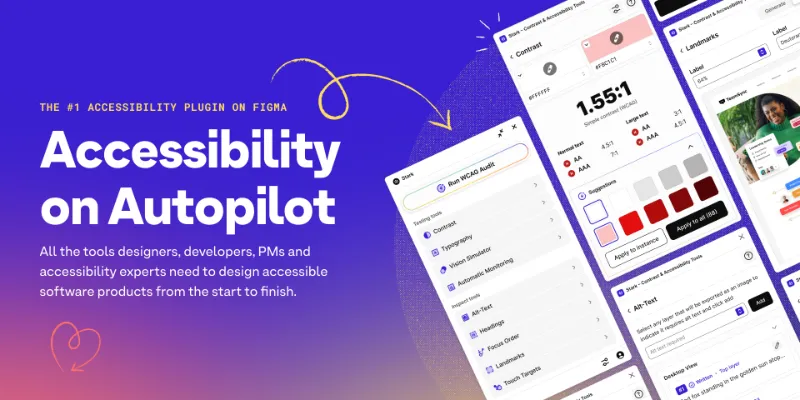
Contrast checks, focus order, alt-text annotations and a vision simulator in one plugin. It's free to start; the full suite is paid.
- 2

Contrast
by Alex Carr
527K users8.5KFreeBest forContrast on images
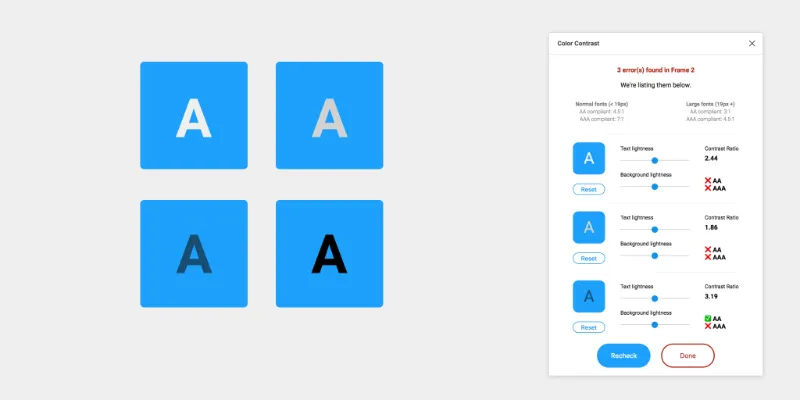
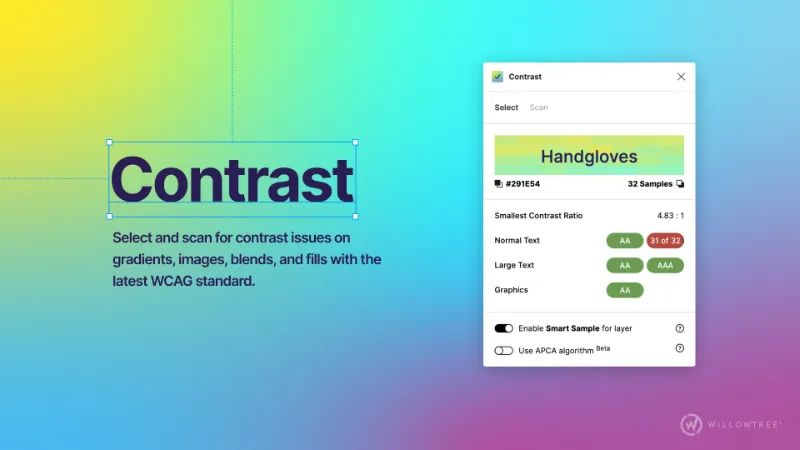
Checks contrast on gradients, images and blended layers, where a two-colour checker gets the ratio wrong.
- 3

A11y
by Kelly Gorr
322K users4.8KFreeBest forText contrast
A light, quick check of text colour against WCAG levels. Good when you want an answer without opening a full suite.
- 4

Able
by Sondre Kvam
144K users2.6KFreeBest forQuick pair check
Select two layers and it compares their contrast at once, with a colour-blindness preview in the same panel.
- 5

Color Blind
by Sam Mason de Caires
110K users1.9KFreeBest forColour blindness
Previews your design under eight types of colour vision deficiency, which shows where colour alone carries meaning.
- 6

Accessibility Assistant
by Eugene Gavriloff
38K users1.6KFreeBest forScreen reader notes
Annotates screen reader output and focus order on the canvas, so developers know how the page should read, not just how it looks.
FAQ
Frequently asked questions
How do I check colour contrast in Figma?
Select a text layer and run a contrast plugin such as Contrast, A11y or Stark. Each shows the ratio and whether it passes WCAG AA or AAA. Use Contrast when text sits on an image or gradient.
Is Stark free?
Stark is free to start. The wider suite, with annotations and team features, is paid. The other plugins in this stack are free.
Can Figma plugins make a design fully accessible?
No. They catch visual issues and document intent, but keyboard behaviour, semantics and screen reader output are built in code. Pair this stack with accessibility annotations and a review of the built product.
Keep exploring
Related lists and guides
Accessibility
accessibility and WCAG checks
See the top picks


Color Palettes
colour palettes and colour tools
See the top picks



Annotations
annotating designs
See the top picksGuides
- Figma Annotations: How They Work and Who Can See ThemHow Figma annotations work in Design and Dev Mode, which seats can add and view them, how they differ from comments, and when an annotation plugin helps.
- How to Change Line Height in FigmaSet line height in Figma as Auto, px or % in the Typography section. Also covers letter spacing, paragraph spacing, and size and weight shortcuts.
- How to Change Variable Modes in Figma and Build Dark ModeSet up Light and Dark modes in one Figma color collection, switch a frame or page with Apply variable mode, and fix modes that won't change in prototypes.
More stacks
- 8 plugins
Figma starter stack
Designers setting up Figma for the first time


 See the stack
- 7 plugins
Design system stack
Design system maintainers and the teams that consume a library



 See the stack
- 7 plugins
Developer handoff stack
Designers handing off to engineers, and developers working in Dev Mode


 See the stack