The realistic content stack: 5 Figma plugins for mock data
Designs reviewed with lorem ipsum and grey boxes hide real problems: long names, missing photos, logos that don't fit. This stack fills a file with believable text, photos, faces and logos in a few clicks, so reviews happen on screens that look like production.
5 plugins5 free to startPicked by figmaplugins.co

Content Reel
1.1M users
Make it yours. Copy this stack to your account, swap plugins in or out, and share your version with a link.
Make it my stackThe stack
5 plugins, one job each
- 1
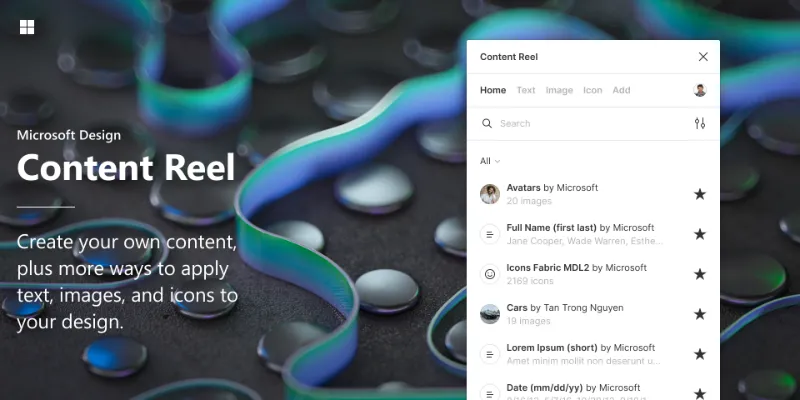
Content Reel
by Eugene Gavriloff
1.1M users17KFreeBest forText, images, icons
Pulls names, addresses, images and icons into selected layers, and lets your team publish its own content sets for everyone to reuse.
- 2

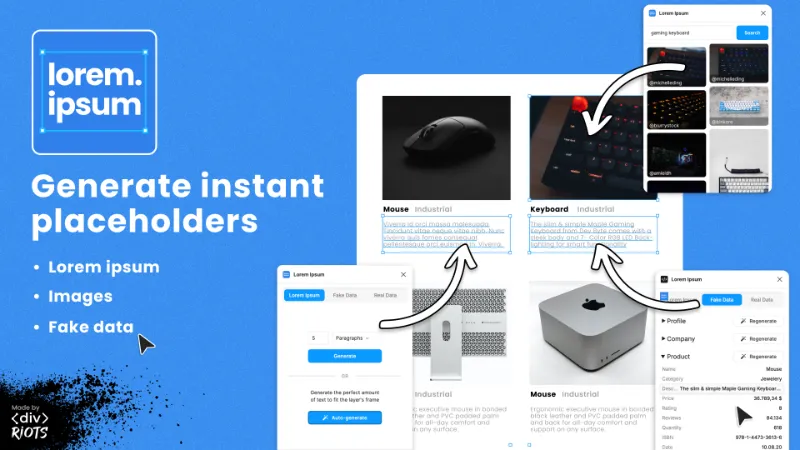
Lorem Ipsum
by divRIOTS
1.2M users11KFreeBest forPlaceholder text and data
Lorem ipsum when you need it, plus fake profiles and company data. Quick for filling a dense table or feed.
- 3

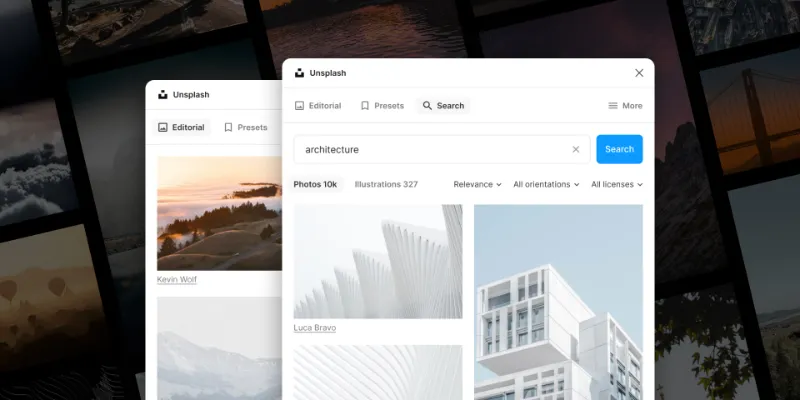
Unsplash
by Unsplash
3.8M users33KFreeBest forPhotos
Fills image slots with real photography from Unsplash, licensed for commercial use.
- 4

UI Faces
by Aleksandar Tasevski
379K users2.7KFreeBest forAvatars
AI-generated faces for profile images, so mockups don't reuse stock photos of real people.
- 5

Logoipsum
by Rizal Renaldi
172K users736FreeBest forLogos
Placeholder logos for customer strips and partner sections. The free set is small; Pro unlocks the full library and dark mode versions.
Outside the stack · Disclosure
FAQ
Frequently asked questions
How do I add fake data to a Figma design?
Select the layers to fill and run a content plugin like Content Reel or Lorem Ipsum, which insert names, dates, addresses and more. Our mock data guide walks through it.
Can I use Unsplash photos in client work?
Yes. The Unsplash License allows free commercial and personal use. Photos showing people, logos or trademarks can need extra permission, so check the licence for anything customer-facing.
What's the best Figma plugin for avatars?
UI Faces and Avatars both generate AI faces in one click. See the best mock data plugins for more options.
Keep exploring
Related lists and guides


Mock Data & Content
realistic placeholder content and mock data
See the top picks


Images & Stock Photos
stock photos and images
See the top picks



Tables
tables and spreadsheet data
See the top picksGuides
- How to Add Realistic Mock Data in FigmaHow to fill Figma designs with realistic mock data: names, emails, addresses, and AI-written text. Native Figma AI, lorem ipsum plugins, and Mock Master AI.
- How to Add an Image in Figma (and Replace It Later)Add images in Figma with Shift+Cmd+K, drag and drop or the fill picker. How to put an image in a shape, replace it, and choose Fill, Fit, Crop or Tile mode.
- How to make a table in FigmaFigma Design has no table tool. Build one from a cell component and nested auto layout, add rows in one keystroke, or generate a styled table with a plugin.
More stacks
- 8 plugins
Figma starter stack
Designers setting up Figma for the first time

 See the stack
- 7 plugins
Design system stack
Design system maintainers and the teams that consume a library



 See the stack
- 7 plugins
Developer handoff stack
Designers handing off to engineers, and developers working in Dev Mode



 See the stack